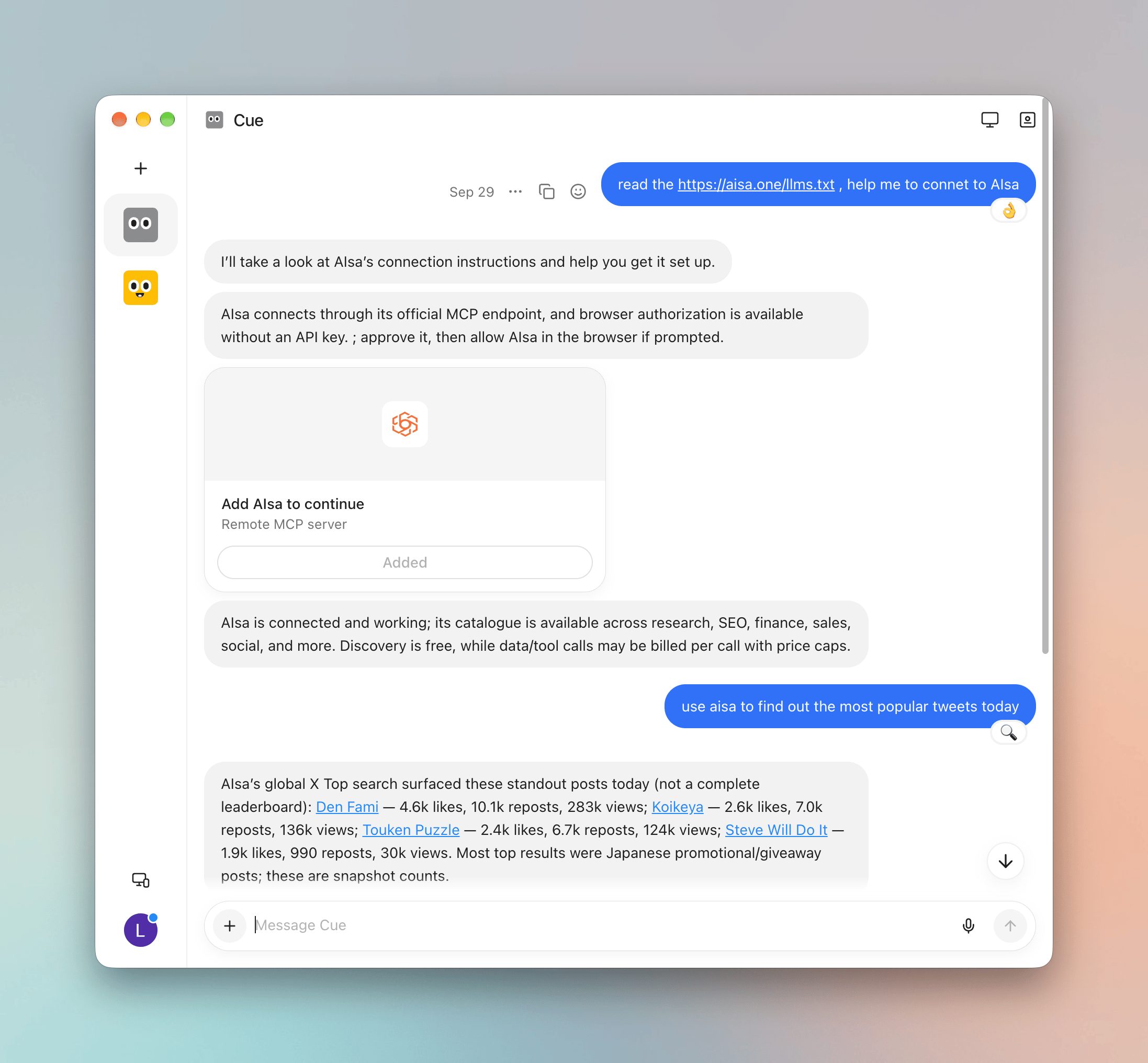
Manus is a cloud agent that can run code and call HTTP APIs inside its own sandbox. That means it doesn’t need a provider config — you hand it your AIsa API key and one prompt, and it wires itself up. AIsa endpoint:

Prerequisites

Before you start, make sure you have:

1. Start a Manus task with the setup prompt

Create a new task in Manus and paste:
Replace sk-aisa-... with your real key. Manus will fetch AIsa’s agent-facing instructions, store the key as an environment variable in its sandbox, and verify the connection against https://api.aisa.one/v1.
Create a dedicated key labeled manus for this, so you can rotate or revoke it independently. See Authentication.

2. Use AIsa capabilities in the task

Once connected, ask Manus to use AIsa directly:
Manus can now call any AIsa capability from within its sandbox — LLM inference across the full model catalog, plus AIsa’s API and Skills layer for search, data, and media.

3. Reuse the setup in later tasks

Manus tasks are isolated, so a new task starts without your key. Two options:
  • Paste the same setup prompt (with your key) at the start of each task that needs AIsa.
  • If your Manus workspace supports saved knowledge or custom instructions, save the setup prompt there — but store the key itself somewhere you control and paste it per task, rather than persisting it in shared workspace settings.

Quick reference

Troubleshooting

Use AIsa in OpenClaw

Configure a self-hosted agent runtime with AIsa.

Authentication

API key creation, rotation, and storage best practices.

Model Catalog

Browse the models Manus can call through AIsa.