Z.ai API and GLM-5.2: Get a Key, Make Your First Call, Compare Prices
Create a Z.ai API key, call GLM-5.2 on the OpenAI-compatible endpoint, and compare GLM-5 to 5.3 prices on Z.ai and AIsa, plus the GLM Coding Plan.
Last Updated:
Bu yazı yalnızca İngilizce olarak mevcut.
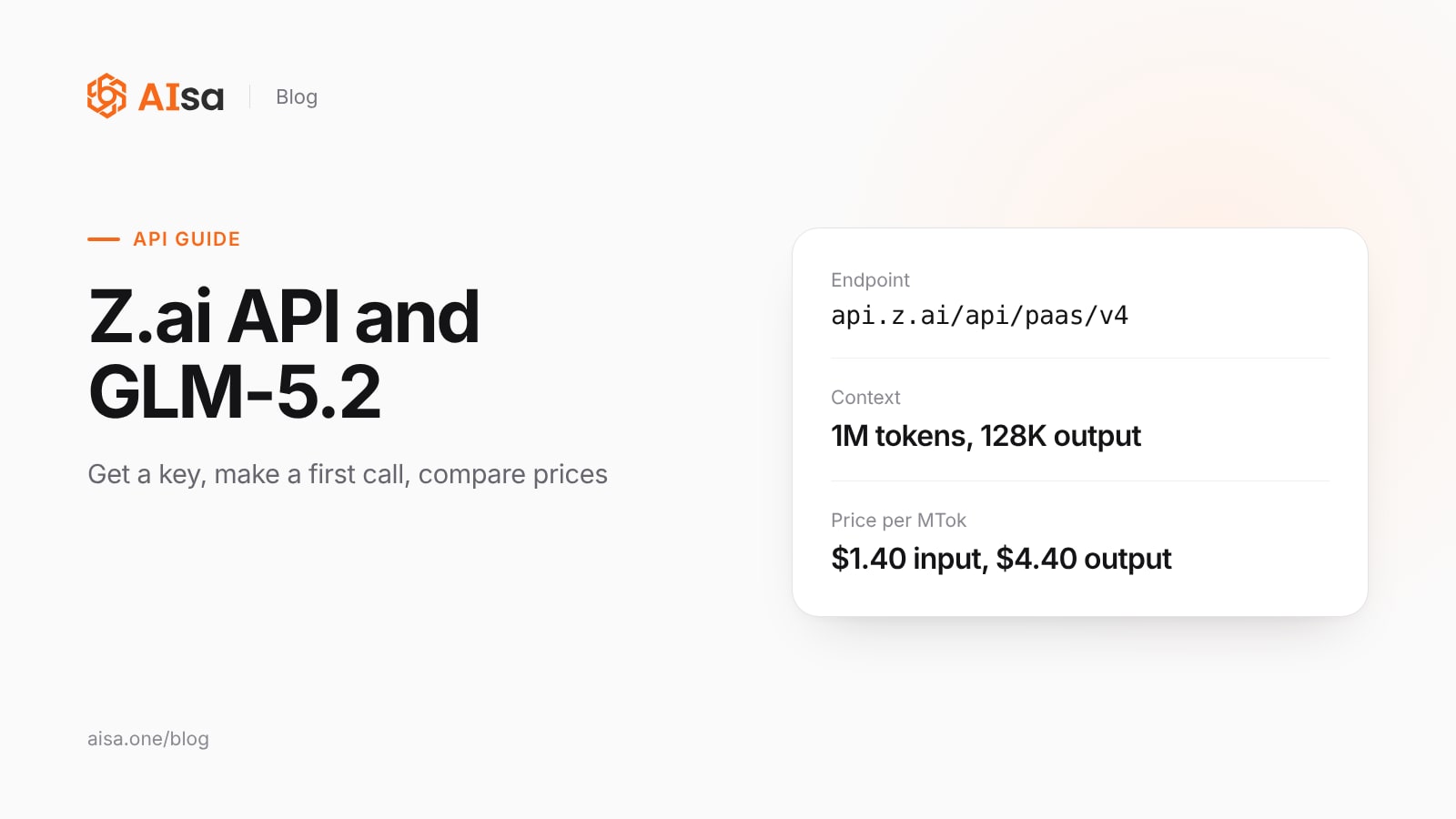
Short answer: Create a Standard API key on the Z.ai API Keys page, then call https://api.z.ai/api/paas/v4/chat/completions with Authorization: Bearer <key> and "model": "glm-5.2". The endpoint is OpenAI-compatible, so the OpenAI SDK works with that base URL. GLM-5.2 has a 1M-token context, up to 128K output tokens, thinking modes and tool calls. On Z.ai it costs $1.40 input and $4.40 output per million tokens, the same as GLM-5.3.
Key takeaways
- The general API and the GLM Coding Plan use different keys and endpoints. A Coding Plan key works only in supported coding tools.
- GLM-5.2 and GLM-5.3 cost the same on Z.ai. GLM-5.3 uses the same base model with more post-training, and its reasoning cannot be turned off.
- All GLM-5.x models use the same endpoint and request format, so switching models is a change to the model string, plus the reasoning setting for GLM-5.3.
- AIsa lists GLM-5, 5.1 and 5.2 below Z.ai's prices and puts them on the same key as Claude, GPT, Gemini and 6,000+ APIs.
Step 1: Create a Z.ai API key
- Sign in to the Z.ai Open Platform.
- Check your balance and payment details on the billing page.
- Open API Keys and create a Standard API Key.
- Store the key in a secrets manager or an environment variable, such as
ZAI_API_KEY.
Z.ai now manages keys for the standard model API, the Individual Coding Plan and the Team Coding Plan separately, and new keys for these three products "are not interchangeable" (GLM Coding Plan quick start).
Step 2: Call GLM-5.2
The general endpoint is https://api.z.ai/api/paas/v4/ (Z.ai quick start):
curl https://api.z.ai/api/paas/v4/chat/completions \
  -H "Authorization: Bearer $ZAI_API_KEY" \
  -H "Content-Type: application/json" \
  -d '{
    "model": "glm-5.2",
    "messages": [
      {"role": "system", "content": "You are a helpful assistant."},
      {"role": "user", "content": "Hello, please introduce yourself."}
    ],
    "thinking": {"type": "enabled"}
  }'
With the OpenAI Python SDK, change only the base URL and the key:
import os
from openai import OpenAI

client = OpenAI(
    api_key=os.environ["ZAI_API_KEY"],
    base_url="https://api.z.ai/api/paas/v4/",
)

response = client.chat.completions.create(
    model="glm-5.2",
    messages=[{"role": "user", "content": "Write a Python function that reverses a string."}],
)
print(response.choices[0].message.content)
Z.ai also publishes its own SDKs: pip install zai-sdk for Python and ai.z.openapi:zai-sdk for Java.
What GLM-5.2 can do
Z.ai describes GLM-5.2 as "a flagship model built for the era of long-horizon tasks" (GLM-5.2 docs):
| GLM-5.2 | |
|---|---|
| Model code | glm-5.2 |
| Context length | 1M tokens |
| Maximum output | 128K tokens |
| Input and output | Text |
| Thinking | Several thinking modes |
| Tools | Function calling, MCP tools |
| Output formats | Structured output such as JSON, streaming |
| Caching | Context caching |
Z.ai reports that GLM-5.2 scores 81.0 on Terminal-Bench 2.1 (GLM-5.1: 62.0) and 62.1 on SWE-bench Pro (GLM-5.1: 58.4). These are the vendor's numbers.
GLM-5.2 or GLM-5.3
GLM-5.3 is now Z.ai's flagship. It uses the same base model as GLM-5.2, with gains from post-training: Z.ai reports a 50% gain on its own Z.ai Code Bench and a CyberGym score of 84.5%, up from 77.2%. It has the same 1M context and 128K output limit.
One difference breaks requests: GLM-5.3 always reasons. It accepts only thinking.type: "enabled". If your code sends "disabled" to GLM-5.2, change it to "enabled" and set reasoning_effort to "low" before you switch the model ID.
Because the two models cost the same on Z.ai, GLM-5.3 is the default choice for new work. Keep GLM-5.2 when your code turns reasoning off.
Z.ai API pricing
Prices in USD per million tokens, from the Z.ai pricing page, read on 2026-11-15:
| Model | Input | Cached input | Output |
|---|---|---|---|
| GLM-5.3 | $1.40 | $0.26 | $4.40 |
| GLM-5.3-Flash | $0.15 | $0.03 | $0.50 |
| GLM-5.3-FlashX | $0.37 | $0.075 | $1.25 |
| GLM-5.2 | $1.40 | $0.26 | $4.40 |
| GLM-5.1 | $1.40 | $0.26 | $4.40 |
| GLM-5 | $1.00 | $0.20 | $3.20 |
Cached input storage is free for a limited time. GLM-4.7-Flash, GLM-4.5-Flash and GLM-4.6V-Flash are free.
The GLM Coding Plan
The Coding Plan is a subscription for using GLM models inside coding tools: Claude Code, Cline, Roo Code, Kilo Code, OpenCode, OpenClaw, Crush, Goose, Cursor and others. It has its own endpoints (quick start):
| Format | Base URL |
|---|---|
| Anthropic Messages | https://api.z.ai/api/anthropic |
| OpenAI Chat Completions | https://api.z.ai/api/coding/paas/v4 |
| OpenAI Responses | https://api.z.ai/api/v1 |
Z.ai says the plan is "strictly limited to use within officially supported tools and products." For your own application or agent, use a Standard API key and the general endpoint.
Use GLM and other models on one key with AIsa
A Z.ai key covers GLM models. If your agent also calls Claude, GPT, Gemini, Qwen or Kimi, or needs data APIs such as web search and social media, AIsa puts them behind one key and one balance. The OpenAI SDK needs only a different base URL (AIsa GLM docs):
from openai import OpenAI

client = OpenAI(
    api_key="YOUR_AISA_API_KEY",
    base_url="https://api.aisa.one/v1",
)

response = client.chat.completions.create(
    model="glm-5.2",
    messages=[{"role": "user", "content": "Summarize this week's AI model releases."}],
)
print(response.choices[0].message.content)
GLM prices in the AIsa model catalog, read on 2026-11-15, in USD per million tokens:
| Model | Input on AIsa | Output on AIsa | Input on Z.ai | Output on Z.ai |
|---|---|---|---|---|
| GLM-5.3 | $1.40 | $4.40 | $1.40 | $4.40 |
| GLM-5.3-Flash | $0.15 | $0.50 | $0.15 | $0.50 |
| GLM-5.2 | $0.64 | $2.23 | $1.40 | $4.40 |
| GLM-5.1 | $0.45 | $1.82 | $1.40 | $4.40 |
| GLM-5 | $0.44 | $1.81 | $1.00 | $3.20 |
On AIsa, GLM-5, 5.1 and 5.2 answer on /v1/chat/completions and /v1/responses. GLM-5.3, GLM-5.3-Flash and GLM-5V-Turbo also answer on the Anthropic Messages endpoint, so tools that use that format, such as Claude Code, can call them through https://api.aisa.one (Use AIsa in Claude). Create a key in the AIsa console.
FAQ
How do I get a GLM-5.2 API key?
Create a Standard API key on the Z.ai API Keys page. The same key works for every GLM model on the general endpoint. A Coding Plan key does not.
What is the Z.ai API base URL?
https://api.z.ai/api/paas/v4/ for the general API. The Coding Plan uses https://api.z.ai/api/coding/paas/v4 and https://api.z.ai/api/anthropic.
Is the Z.ai API compatible with the OpenAI SDK?
Yes. Set the OpenAI SDK's base URL to https://api.z.ai/api/paas/v4/ and use your Z.ai key.
How much does the GLM-5.2 API cost?
$1.40 per million input tokens, $0.26 per million cached input tokens and $4.40 per million output tokens on Z.ai on 2026-11-15. The AIsa catalog lists it at $0.64 input and $2.23 output.
Should I use GLM-5.2 or GLM-5.3?
GLM-5.3 for new work: it costs the same on Z.ai and scores higher on Z.ai's coding benchmarks. Keep GLM-5.2 if your code needs reasoning turned off.
Sources
- Z.ai quick start, pricing, GLM-5.2, GLM-5.3 and GLM Coding Plan quick start, Z.ai developer docs, read 2026-11-15
- GLM models on AIsa and the AIsa model catalog, read 2026-11-15