 Add to Claude
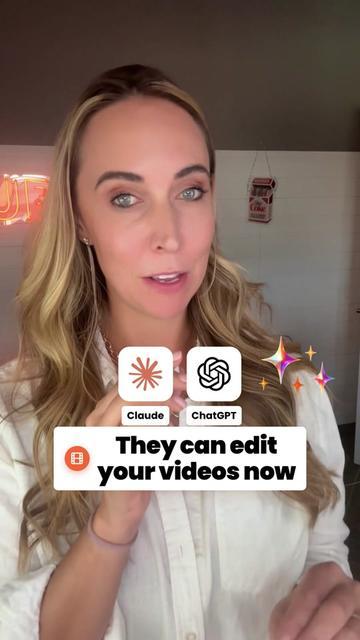
Your AI



 Social Media Management
Use your AI social media manager to find viral videos, decode content and create posts for your brand. Connect Claude, ChatGPT or another agent to manage multiple accounts and auto-post across platforms with AIsa.
Using another agent? Paste this:
>
Set up AIsa - https://aisa.one/llms.txtContent Creators & Social Media Marketing Teams
Find Viral Videos, Recreate Content and Auto-Post with AI.
Find popular AI agent videos from the past 30 days, then create content for my product and distribute it across my social accounts.
1. Find Viral Videos
Find popular videos about AI agents from the past 30 days.
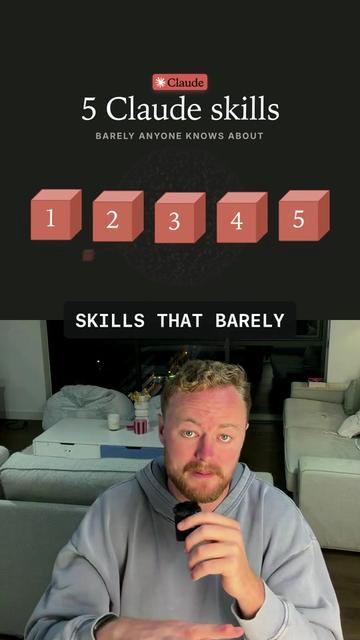
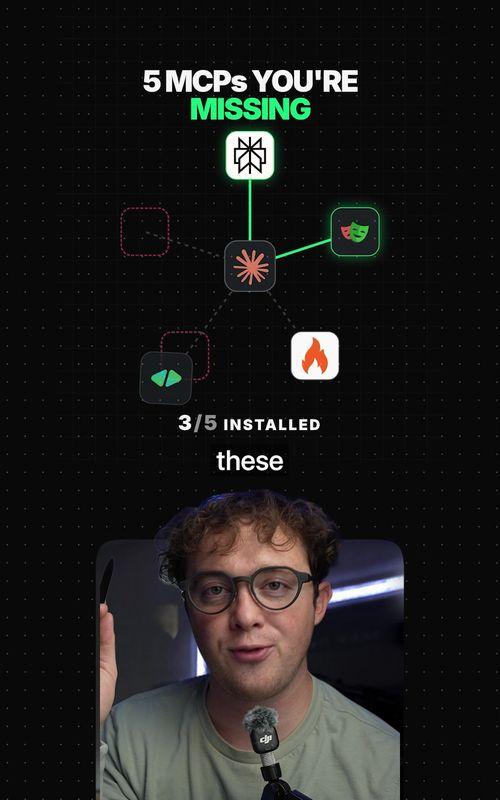
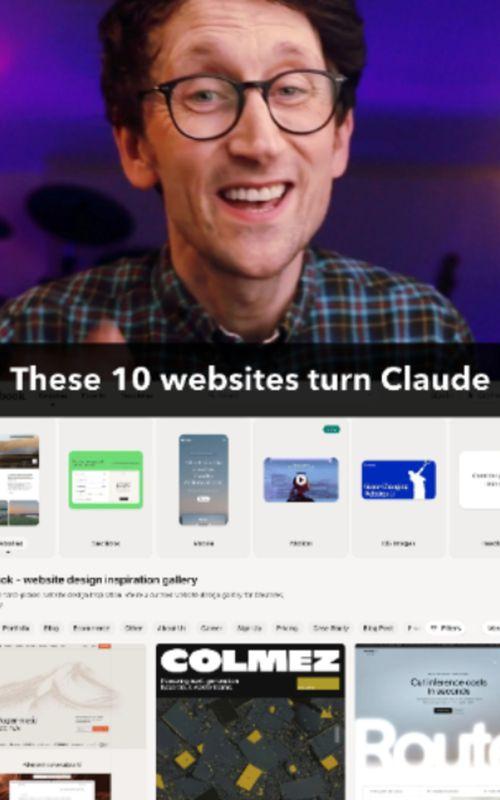
Three formats stand out: AI tutorials, tool roundups and workflow demos. Here is one video from each group, with its structure broken down.
- Searching AI tutorials, tool roundups and workflow demos
- Comparing views, likes and shares
- Organizing the videos into three clear groups
- AI Tutorials · 7 videos
- @jamout.ai · Views: 434948; Likes: 26149; Shares: 9050; Comments: 912
- @tonyppt_ · Views: 1026505; Likes: 83688; Shares: 4981; Comments: 908
- @viralex.aii · Views: 420403; Likes: 30074; Shares: 6533; Comments: 240
- @jesseeisenbart · Views: 264313; Likes: 15875; Shares: 2927; Comments: 1995
- @mrbombastic_53 · Views: 226598; Likes: 15100; Shares: 3298; Comments: 215
- @codevibes_1 · Views: 327054; Likes: 25595; Shares: 4461; Comments: 114
- @george.automates · Views: 84654; Likes: 3754; Shares: 1163; Comments: 47
- Tool Roundups · 5 videos
- @nocode.joshua · Views: 1055939; Likes: 71495; Shares: 12306; Comments: 242
- @maverickgpt · Views: 1154457; Likes: 63105; Shares: 18304; Comments: 357
- @matt.elior · Views: 540158; Likes: 30107; Shares: 4493; Comments: 150
- @benkimball.ai · Views: 97001; Likes: 6356; Shares: 966; Comments: 408
- @willfrancis24 · Views: 213101; Likes: 12613; Shares: 3153; Comments: 115
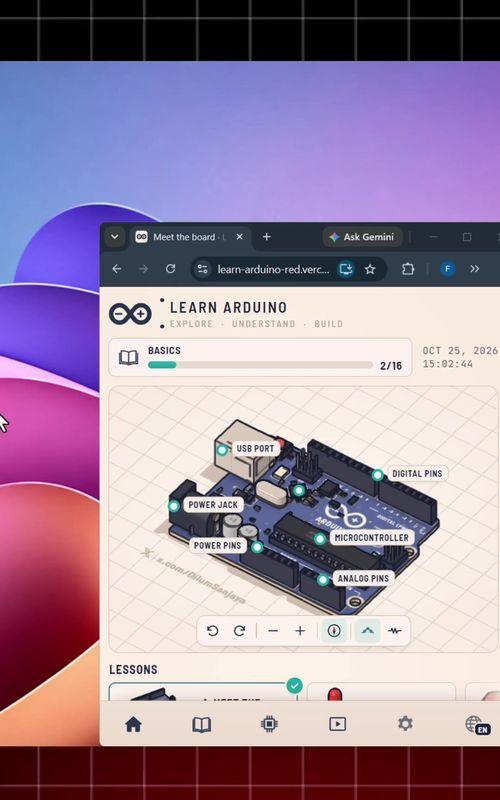
- Workflow Demos · 6 videos
- @jackroberts____ · Views: 640486; Likes: 44146; Shares: 7911; Comments: 193
- @sadie.ontech · Views: 343452; Likes: 25257; Shares: 4619; Comments: 198
- @lockinwithkiana · Views: 689265; Likes: 67761; Shares: 13206; Comments: 142
- @futureshiftt · Views: 421530; Likes: 27569; Shares: 3947; Comments: 68
- @techwithmollie · Views: 357873; Likes: 24301; Shares: 7635; Comments: 1062
- @buildwithhassan6 · Views: 227242; Likes: 9444; Shares: 2032; Comments: 128
2. Decode Viral Videos
Break down what makes these three videos work: the hook, the demo and the CTA.
The tutorial teaches one task, the roundup organizes several useful options, and the workflow demo connects the steps to a clear outcome. Each needs a different script.
- Identifying the hook in each video
- Tracing the tutorial, list and workflow structures
- Comparing the product reveal and CTA
- AI Tutorial
- Hook: Address the viewer’s AI directly to spark curiosity.
- Demo: Walk through adding editing tools to Claude and ChatGPT.
- CTA: Point viewers to the next-step resource.
- Tool Roundup
- Hook: Highlight useful Claude Skills people may have missed.
- Demo: Introduce the skills one by one, with a practical use for each.
- CTA: Offer a reason to save the list and explore the skills.
- Workflow Demo
- Hook: Challenge the idea that cold email itself is the problem.
- Demo: Follow Harvey from prospect research to personalized outreach and replies.
- CTA: Direct viewers to the linked project to try the workflow.
3. Create for your product
Create three AIsa videos: a tutorial, a tool roundup and a workflow demo.
Three AIsa scripts are ready. Switch between the tutorial, tool roundup and workflow demo to see each hook, voiceover and CTA.
- Adding AIsa’s product benefits
- Mocking up covers for different presenters
- Writing the voiceover and hashtags
- AI Tutorial
- Hook: Your agent can do more than write a caption. Here’s how to find your next video idea.
- Demo: Connect AIsa to your agent. Ask for popular AI agent videos from the past 30 days. Open a source video, check its hook, and ask for a video about your product using that format.
- CTA: Save this walkthrough and try it with your own product.
- Tool Roundup
- Hook: Three things I now ask my agent to do before I post.
- Demo: Find viral videos across platforms. Turn an idea into a script and matching visuals. Prepare content for each connected account. AIsa brings the data, models and publishing tools into the same conversation.
- CTA: Connect AIsa and pick one task to start with.
- Workflow Demo
- Hook: One prompt. From a viral video to a week of social content.
- Demo: Watch the workflow: AIsa finds source videos, the agent decodes their structure, writes a product script using the reference structure, prepares assets and assigns content to connected accounts. Review the plan, then schedule the posts.
- CTA: Give your agent the product brief and run your first content workflow.
- #AIsa #AIAgents #AITools #UGC #SocialMedia
4. Distribute across accounts
Adapt the content to each platform and prepare the account distribution plan.
Platform copy, hashtags and suggested times are ready for review before any distribution is arranged.
- Adapting copy and hashtags by platform
- Checking accounts, assets and times
- Preparing a distribution plan for approval
- X · Next Monday · 2026-11-09 09:30: Find examples, break down scripts, prepare content and plan distribution with an AIsa-connected agent. #AIsa #AIAgents #AItools
- Instagram · Next Monday · 2026-11-09 12:30: From inspiration to platform-ready content, connect AIsa to the agent you already use. #AIsa #UGC #ContentCreator
- TikTok · Next Monday · 2026-11-09 19:30: One idea, several presenter versions, and an agent to prepare the content for every account. #AIsa #AItools #UGC
- YouTube · Next Monday · 2026-11-09 18:00: Watch an agent run an AI-product UGC workflow with AIsa. #AIsa #AIAgents #Shorts
- LinkedIn · Next Monday · 2026-11-09 10:00: Keep ideas, scripts, assets and distribution plans in one agent workflow. #AIsa #AIWorkflow #ContentMarketing
- Pinterest · Next Monday · 2026-11-09 20:00: Save this AI-product UGC workflow: select, break down, create, distribute. #AIsa #UGC #ContentIdeas
Brand growth & customer acquisition teams
Turn Competitor Complaints into Customer Conversations.
Find people seeking Hootsuite alternatives on Reddit, X and LinkedIn this week and draft targeted comments and DMs.
1. Find competitor discussions
Find people seeking Hootsuite alternatives on Reddit, X and LinkedIn this week and draft targeted comments and DMs.
Reddit highlights cost, LinkedIn multi-brand management, and X repetitive publishing work. Check whether someone is actively seeking an alternative before choosing a comment, connection or permitted DM.
- Finding Hootsuite discussions and alternative requests
- Identifying cost, account-scale and publishing pain points
- Choosing a suitable outreach path for each platform
- Reddit: Team subscription cost. Comparing Hootsuite alternatives and looking for flexible pricing as the team adds accounts.
- LinkedIn: Managing client accounts. An agency is adding brand pages and wants clearer account groups, team permissions and approvals.
- X: Repetitive cross-platform posting. Reformatting and scheduling each post separately takes too much work. Looking for an alternative workflow.
2. Prioritize prospects
Qualify matching prospects and suggest platform-specific outreach and follow-up.
Start with clear needs. Help in the Reddit discussion first, connect on LinkedIn first, and answer the question on X. Follow up according to replies and platform permissions.
- Matching needs to product capabilities
- Prioritizing prospects with clear switching intent
- Planning follow-ups around connections and replies
- Reddit: Priority · pricing fit. Clear switching intent. Ask about account count and budget, then discuss total team cost.
- Help in the thread first · check replies in 2 days
- LinkedIn: Qualify · account scale. Clarify client count, brand pages and approval needs before assessing workspace fit.
- Connect first · follow up after acceptance
- X: Priority · publishing efficiency. Wants fewer manual steps. Confirm platforms, formats and the current workflow first.
- Reply first · DM only when permitted
3. Draft comments & DMs
Prepare separate comment and DM drafts for Reddit, X and LinkedIn.
Platform-specific comment and DM drafts are ready for review. Send only after approval, through supported, authorized channels, then follow up based on replies.
- Writing separate Reddit, X and LinkedIn drafts
- Adapting the tone to each person’s question
- Waiting for review before following up
- Reddit · Comment: Compare account limits, team seats and usage together. How many accounts do you manage?
- Reddit · DM: Saw you’re comparing Hootsuite alternatives. If helpful, I can outline comparison points for your account count and budget.
- LinkedIn · Comment: For multiple clients, start with brand groups, reviewers and publishing times. Are permissions or approvals your bigger concern?
- LinkedIn · DM: Saw your plans for managing several brands. Happy to discuss account scale and approvals, then outline a workspace approach.
- X · Comment: The repeated work is often formatting and scheduling. Which platforms do you publish to?
- X · DM: Saw your note about repetitive scheduling. If useful, share the platforms and I can suggest a simpler workflow.
Agencies and multi-account teams
Manage Your Social Account Network.
Help me connect the social accounts for Luma, Nook and Alex Studio.
1. Connect social accounts
Walk me through connecting Instagram, TikTok and X for Luma, Nook and Alex Studio.
Choose a platform, sign in and authorize the accounts you want to connect. Repeat for the remaining platforms.
- Preparing each platform’s authorization flow
- Guiding account sign-in and selection
- Checking permissions and connection status
- Luma Skincare
- TikTok
- YouTube
- X
- Nook Home
- TikTok
- YouTube
- X
- Alex Studio
- X
2. Prepare matrix content
Assign Video A to Luma’s short-video accounts and Video B to X and Pinterest, then match the remaining videos to each brand.
Videos A, C and E are assigned to short-video channels; B, D and F go to the remaining channels. Review each brand’s assignments on the left.
- Reviewing the uploaded videos
- Assigning assets, captions and hashtags to accounts
- Applying content-planner and scheduling rules
- Luma Skincare
- Instagram · Video A
- TikTok · Video A
- YouTube · Video A
- X · Video B
- Pinterest · Video B
- Nook Home
- Instagram · Video C
- TikTok · Video C
- YouTube · Video C
- X · Video D
- LinkedIn · Video D
- Facebook · Video D
- Alex Studio
- Instagram · Video E
- X · Video F
- Pinterest · Video F
3. Schedule in one click
Recommend the best posting times based on each platform’s activity patterns and schedule these videos.
Here is a suggested schedule based on typical platform activity. Reuse the same asset across platforms, then confirm to queue the full plan.
- Checking approved content and schedules
- Verifying accounts, times and time zones
- Preparing the batch for submission
- Luma Skincare
- Instagram · Video A · Next Mon 12:30
- TikTok · Video A · Next Mon 19:30
- YouTube · Video A · Next Mon 18:00
- X · Video B · Next Mon 09:30
- Pinterest · Video B · Next Mon 20:00
- Nook Home
- Instagram · Video C · Next Mon 12:30
- TikTok · Video C · Next Mon 19:30
- YouTube · Video C · Next Mon 18:00
- X · Video D · Next Mon 09:30
- LinkedIn · Video D · Next Mon 10:00
- Facebook · Video D · Next Mon 12:00
- Alex Studio
- Instagram · Video E · Next Mon 12:30
- X · Video F · Next Mon 09:30
- Pinterest · Video F · Next Mon 20:00
Why choose AIsa
Bring social data, content creation and account operations into one agent workflow.
- One agent across social platforms
- Query multiple platforms, prepare content and connect supported accounts from the agent you already use.
- Multiple sources for richer data
- AIsa integrates and verifies multiple data providers. A platform typically has two or three sources to help fill gaps in posts, comments and engagement data.
- Models alongside social data
- Move from a content idea to copy, scripts, images and videos, then adapt the result to each platform.
- Official authorization and publishing
- Authorize accounts through the platform’s own page and publish via official APIs, without maintaining a separate publishing browser and IP setup for each account.
- Schedule account networks in natural language
- Organize posts by client, account and time zone. Review the plan, schedule across accounts and get a separate result for each.
- No extra account-connection fees
- Connect multiple accounts without an additional binding fee and pay per API call. Platform permissions and publishing limits still apply.






 09:0012:3018:00

Explore public social data on 21 platforms
Search posts, videos, profiles and comments. Explore capabilities and pricing by platform.
Prices in USD. Starting prices and billing units vary by API. Open a card for full pricing.
Frequently asked questions
AIsa Social connects AI agents to public social data, content-generation models and authorized account actions. Creators, growth teams and agencies can use it to research topics, prepare content and manage publishing workflows.
Public-data coverage and publishing support are separate. Browse the platform cards for available data APIs; check each publishing operation for its supported platforms, formats and account permissions.
Add AIsa to Claude, ChatGPT or another MCP client. For account actions, follow the relevant platform’s authorization flow and select the accounts to connect.
API usage is metered by operation. Each platform card links to the current starting price and billing details. Connecting additional accounts has no extra account-binding fee.
Let AIsa help run your social accounts
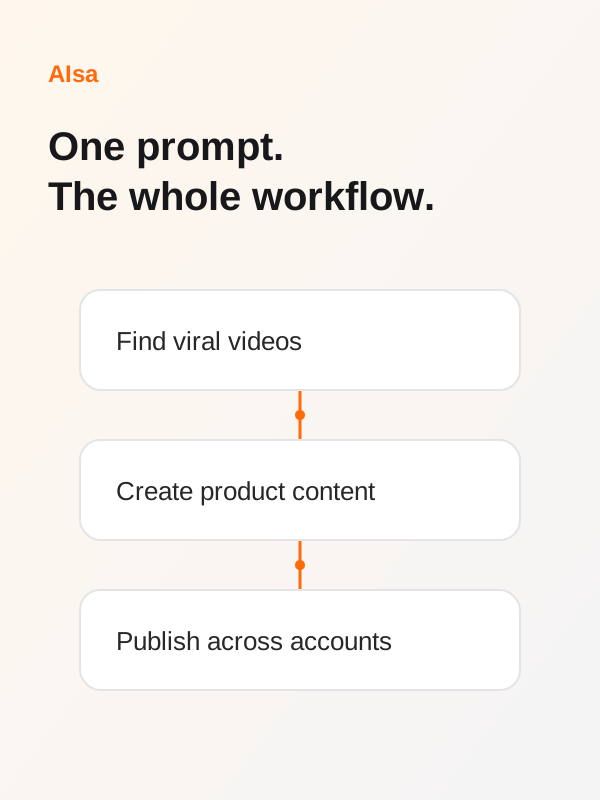
Find trending topics, create content and schedule posts across accounts with your agent.













Viral IdeasContent CreationPublish Everywhere
≈$0.0993/task
Estimated task: 1 search, a script using 2K input + 1K output tokens, a 10-second video (or code animation using 2K input + 4K output tokens), and 1 publish operation. X additional fees and external assets excluded.Publishing
 TikTokFrom $0.01/ post
 InstagramFrom $0.01/ post
 YouTubeFrom $0.01/ post
 XPay as you go
 LinkedInFrom $0.01/ post
…